
Relative
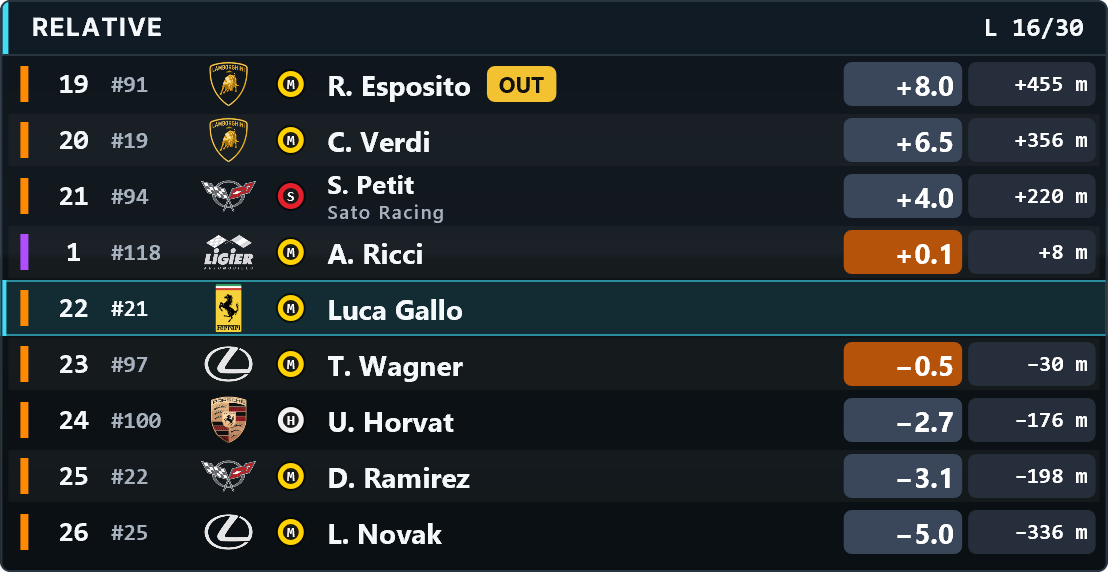
Who is ahead and behind you on track, not in the standings: gap in seconds and metres, class, car, who has just left the pits.
Fuel and virtual energy, live tyres, track limits and three classes on track. 32 overlays, one by one below.
In testing. Windows 10 and 11, VR too. Licence tied to Steam.
Who is ahead and behind you on track, not in the standings: gap in seconds and metres, class, car, who has just left the pits.
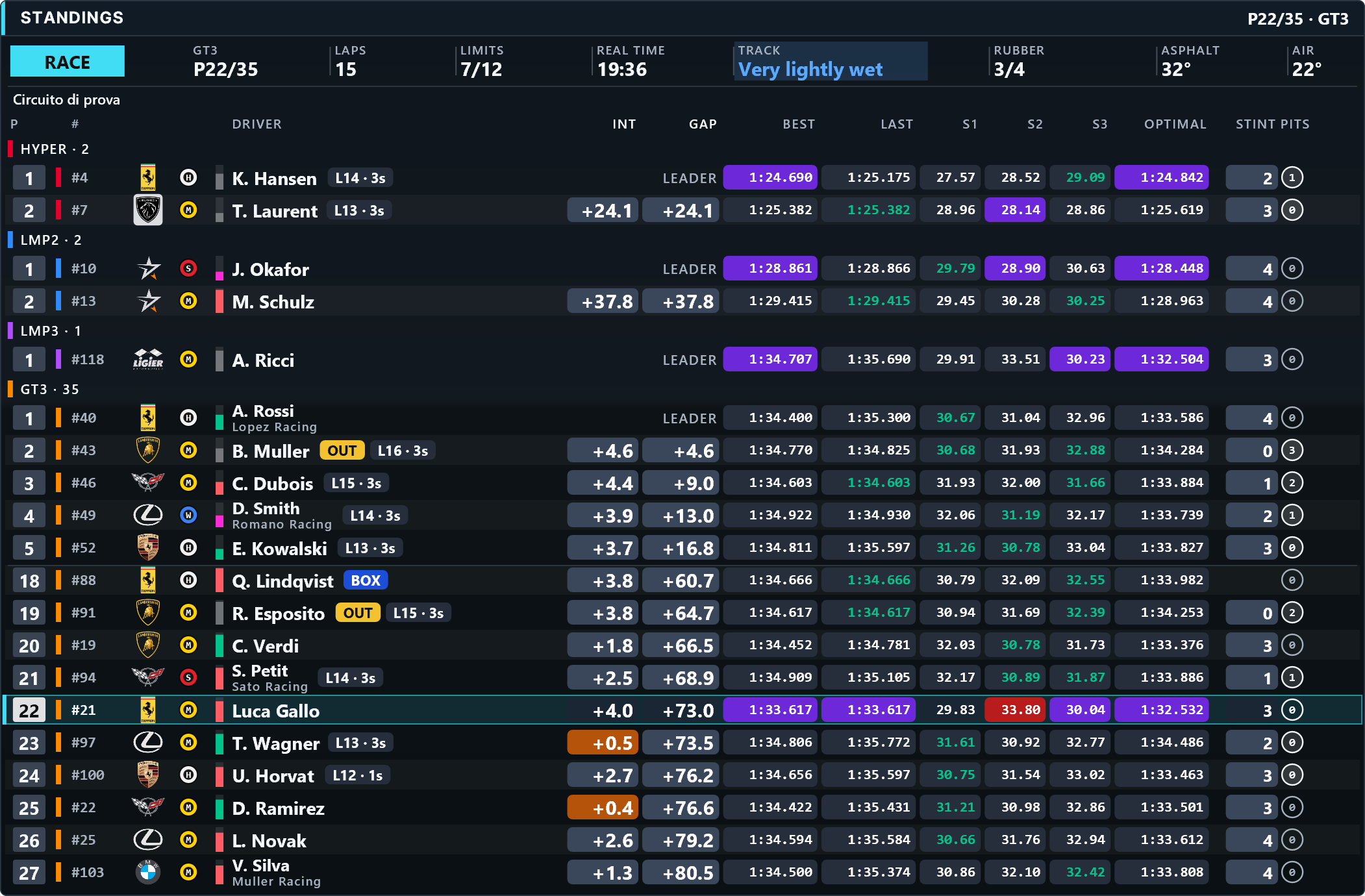
All classes or only yours: interval, gap, best, last, sectors, optimal lap, stint and stops for every driver.
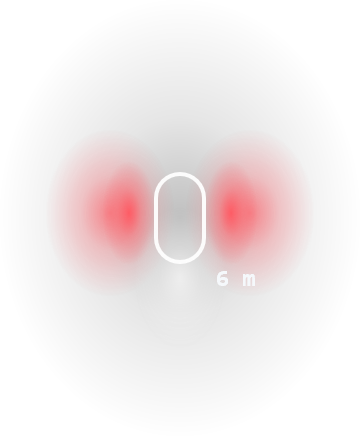
Cars alongside and right behind you, with distance. It lights up only when someone is close.
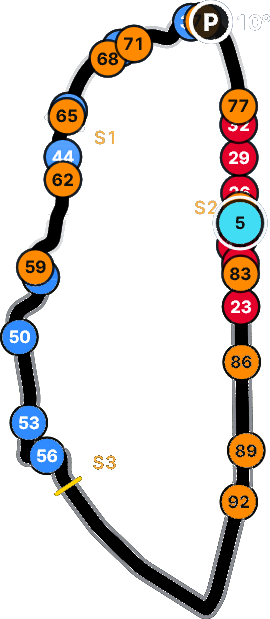
The real track with every car, coloured by class, sectors and pit entry. SPLIT draws it by itself on your first lap.
All active flags together, up to four: LED panels with the most serious one big. Also the pit limiter.
When a faster class is coming: the metres between you and which class it is. Hidden when there is no blue.
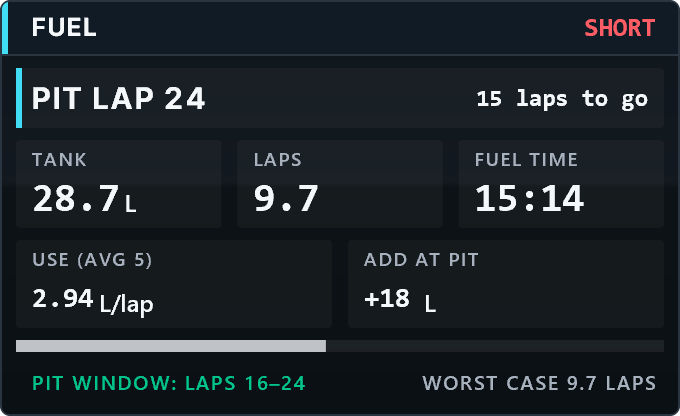
Virtual energy Litres and virtual energy together: laps of range, use per lap, how much to add at the stop and the pit window.
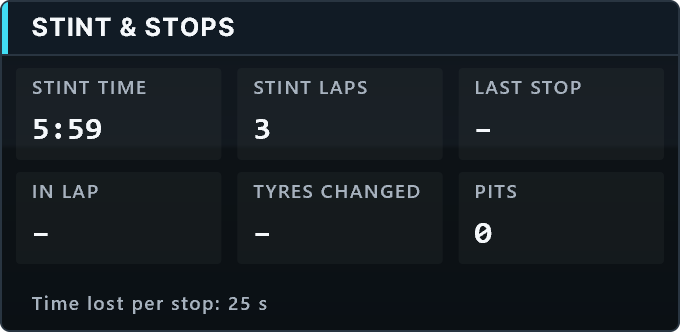
Stint time and laps, stops made and how much a stop costs you.
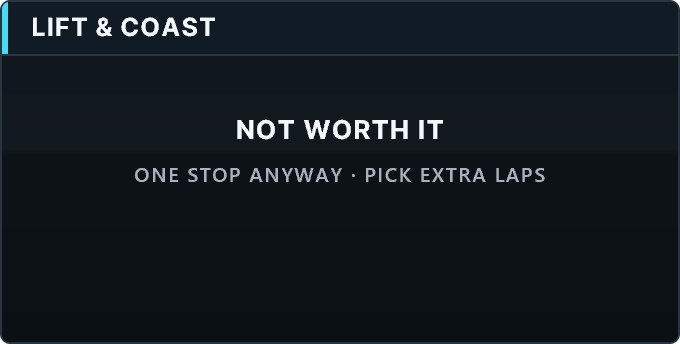
How much to lift to reach the end or stretch the stint, with the cue at the right spot.
In a Hypercar you do not run out of fuel: you run out of energy. SPLIT counts both, lap by lap, and tells you which one decides the stop.
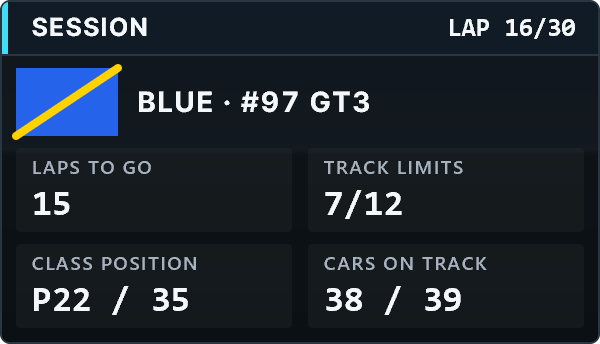
Flags, warnings and faster class coming; below, laps to go, track limits and class position.
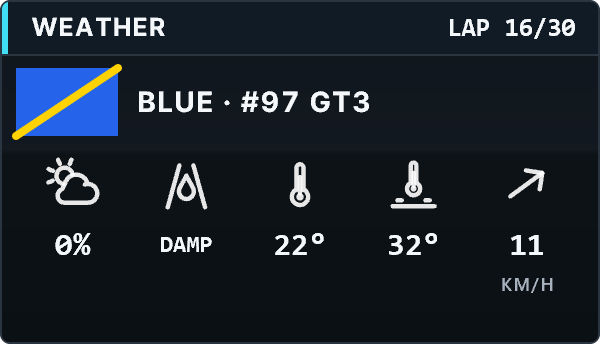
Rain, track wetness, air and track temperature.
Track limits One line: time left, laps to go and track limits counted towards the next penalty.

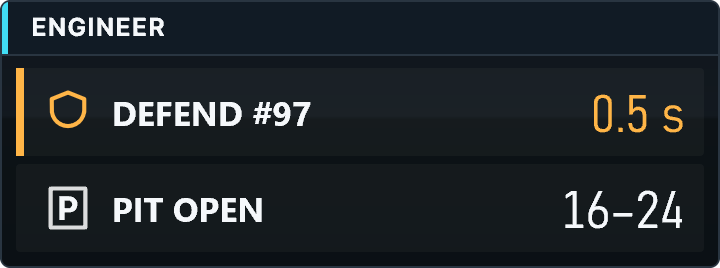
At most three messages, the most urgent on top: flags, traffic, fuel, battle, pit, lift & coast.
Position and lap in a thin line.

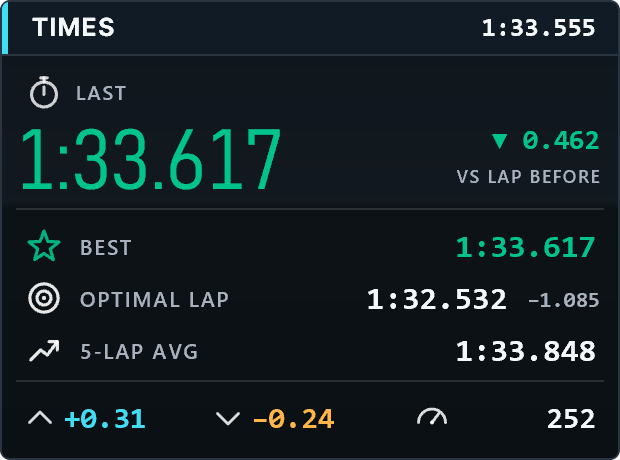
Last lap, best, optimal lap and 5 lap average, with what you gain or lose on the cars ahead and behind.
Shows when you close a sector: how much you gained or lost on your best, for 4 seconds.

The delta of the current lap: a number and a line of light, against your best or the session fastest.

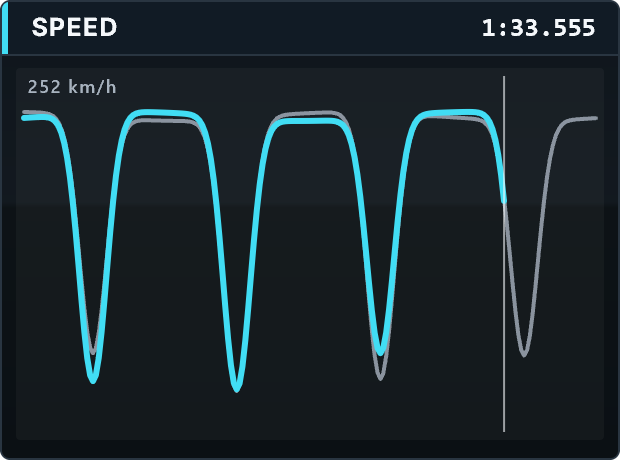
The speed of the current lap over the reference lap, around the whole track.
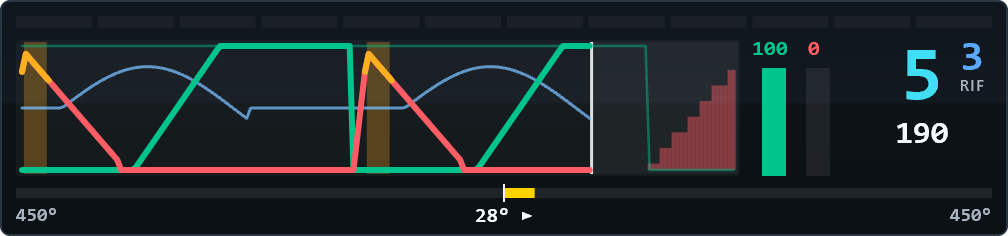
Throttle, brake and steering scrolling by, gear, speed and shift lights.
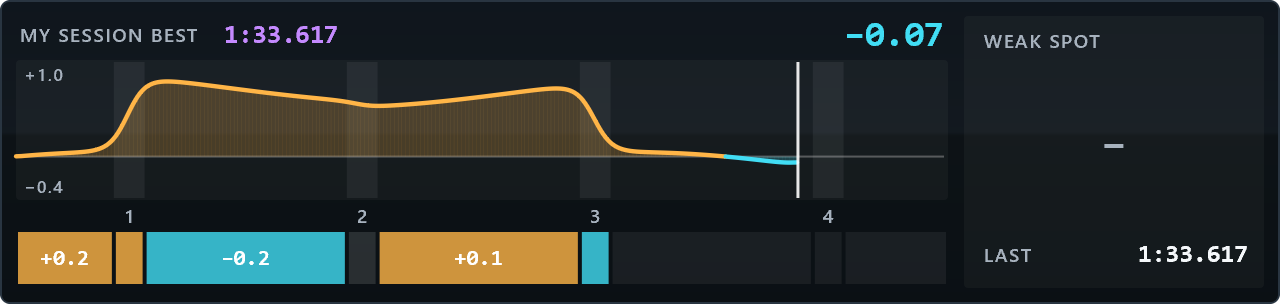
Where you gain and lose around the lap against your best: graph, corners or coloured track.
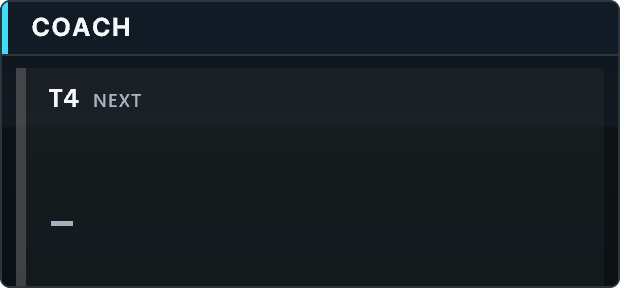
Next corner: what went wrong last time. Last corner: time lost and what to do.
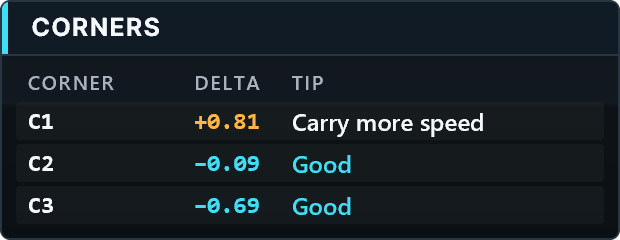
The corners of your last lap, the most costly on top, each with its tip.
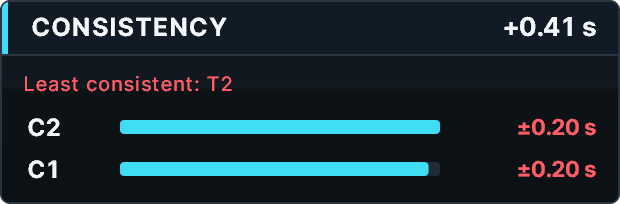
How well you repeat each corner over the last 5 laps: the least consistent on top.
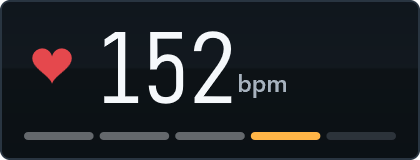
Your heart rate from a Bluetooth chest strap: zone, stint average and maximum.
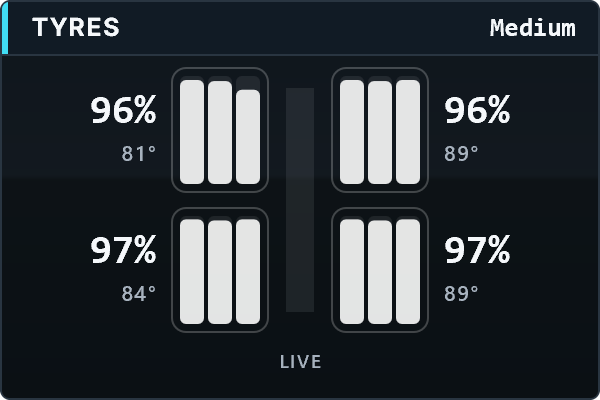
Live Wear and temperature of all four tyres while you drive. No need to wait for the pits.
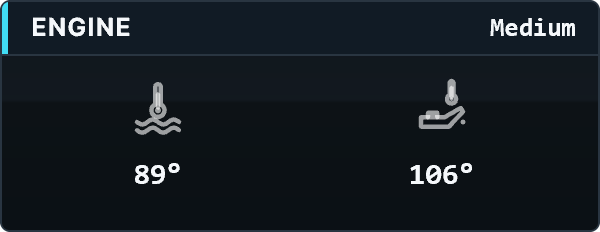
Water and oil temperatures, with warnings.
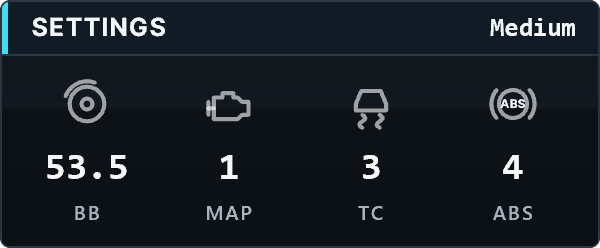
Brake bias, traction control and ABS. The value you change lights up.
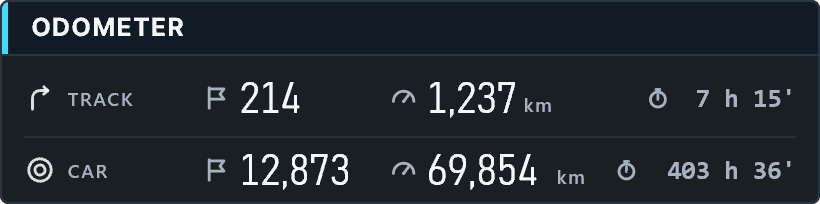
Laps, km and hours with this car on this track, and with the car on every track. Counted forever.
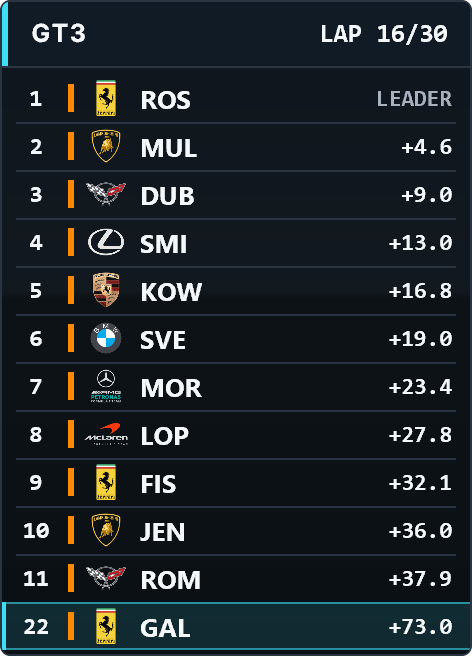
Class standings as a vertical tower, like on TV: position, code and gap to the leader.
You and your closest rival, head to head: gap and how much you gain or lose per lap.

Your card in broadcast style: position, number, last lap and best.

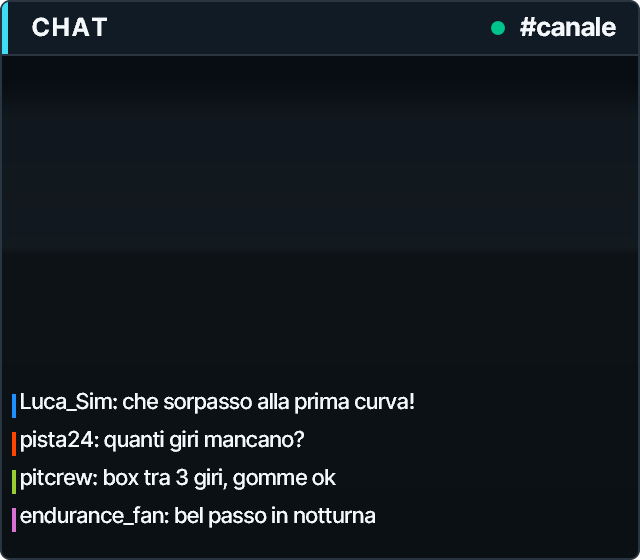
Twitch chat on screen while you drive.
In testing: the first testers are using it. It comes out when it is ready, and people on the list hear first.
€19.99 once, VAT included. With SPLIT for iRacing, €29.99 for both.
No: Le Mans Ultimate does not send the pit stop settings to external programs.
No, the game does not send them.
To your Steam account.
No. SPLIT is independent and reads the game data read only.